Announce the caller name, Announce Notifications, SMS content, Flash on Call.
Get Official App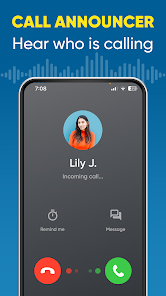

Caller Name Announcer is a versatile and highly popular Android utility app that speaks the name of incoming callers out loud, so you always know who is calling without having to look at your phone screen. This is especially useful when you are driving, cooking, exercising, or in any situation where picking up your phone is inconvenient or unsafe. The app uses advanced text-to-speech technology to clearly announce the caller's name, phone number, or custom label, giving you complete hands-free control over your incoming calls and messages.
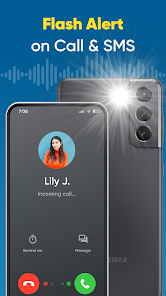
Beyond caller name announcement, this feature-rich app also reads out incoming SMS messages, WhatsApp notifications, and alerts from other messaging apps. The built-in Flash on Call feature activates your phone's LED flashlight to blink when you receive calls or notifications, making it impossible to miss important communications even in noisy or silent environments. You can fully customize the announcement language, speech speed, volume level, and choose which contacts or apps should trigger announcements, ensuring a personalized experience that fits your daily workflow.
The app includes a battery level announcer that alerts you when your battery reaches critical levels, a charging status announcer, and a clock time announcer feature that speaks the current time at scheduled intervals. With support for Do Not Disturb mode integration, scheduled quiet hours, and the ability to work seamlessly with Bluetooth headsets and car audio systems, Caller Name Announcer transforms your Android device into an intelligent personal assistant that keeps you informed without ever needing to glance at your screen.
Yes, this review links directly to the official Google Play Store, ensuring the safest installation.
 EvoMK
EvoMK