
Finance management made simple. Money manager, cash book and cost accounting.
Get Official App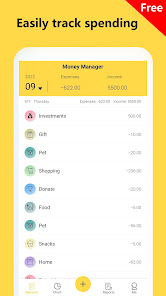
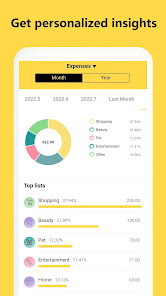
Money Tracker - Expense & Budget is an intuitive and highly secure personal finance tracker app developed by Freeman. Created with simplicity in mind, it provides a comprehensive digital cash book to help users manage their daily income, track expenses, and create intelligent budgets to reach their savings goals. By recording your financial transactions in just a few taps, the app automatically generates visual charts, graphs, and statistics, giving you an instantaneous view of your cost accounting and helping you analyze your spending habits to make smarter financial decisions.
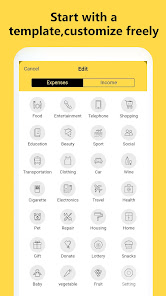
The app supports multiple accounts, customizable categories, and offline tracking, ensuring that your private financial details remain securely stored on your local device. It also includes an advanced billing reminder system to prevent late fees, recurring expense automation, and export features to easily share cost statements. Designed to run smoothly and efficiently, Money Tracker requires minimal device storage and resources, offering an incredibly clean, clutter-free budgeting environment without intrusive elements. Whether you are managing personal cash flow, planning a business budget, or recording minor daily expenses, Money Tracker is a reliable, lightweight, and highly effective finance management companion for everyone.
Yes, this review links directly to the official Google Play Store, ensuring the safest installation.
 EvoMK
EvoMK