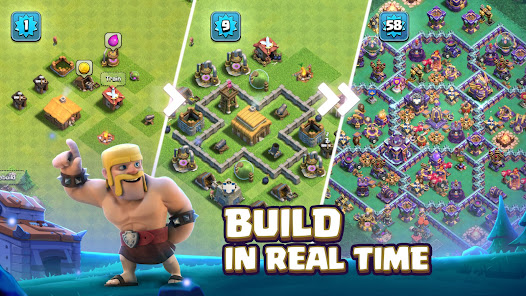
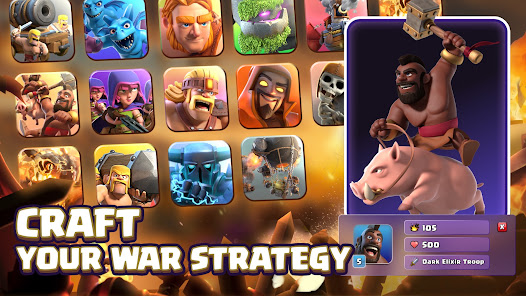
Clash of Clans is a legendary multiplayer real-time strategy war game developed by Supercell. In this epic adventure, players are tasked with building their own custom villages, raising a powerful army of Barbarians, Wizards, Dragons, and other mighty troops, and battling against millions of players worldwide. Start by establishing your chief headquarters, building defensive walls, cannons, and traps to secure your village against incoming enemy raids. As you gather resources like Gold, Elixir, and Dark Elixir, you can upgrade your buildings, research stronger combat upgrades in the laboratory, and unlock powerful Hero units like the Barbarian King and Archer Queen to lead your army.
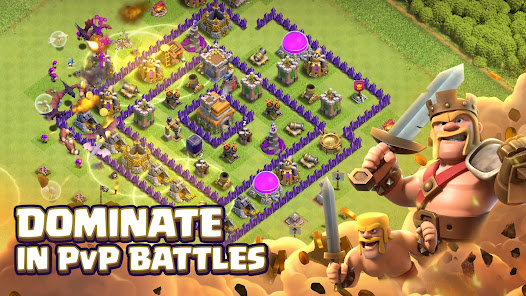
The heart of the game lies in its competitive multiplayer and Clan system. You can join an existing Clan of players or start your own, participating in massive Clan Wars and Clan War Leagues against rival groups around the world. Coordinate attacks with your clanmates, share troops, and climb the global leaderboards. Clash of Clans features constant updates, seasonal events, and unique game modes like the Builder Base and Clan Capital, providing endless strategic depth. With its vibrant 3D animations, deep progression system, and offline village management, Clash of Clans offers an unparalleled casual and competitive strategy experience for players of all ages.
Yes, this guide redirects to the official Google Play Store, ensuring the safest installation.
 EvoMK
EvoMK